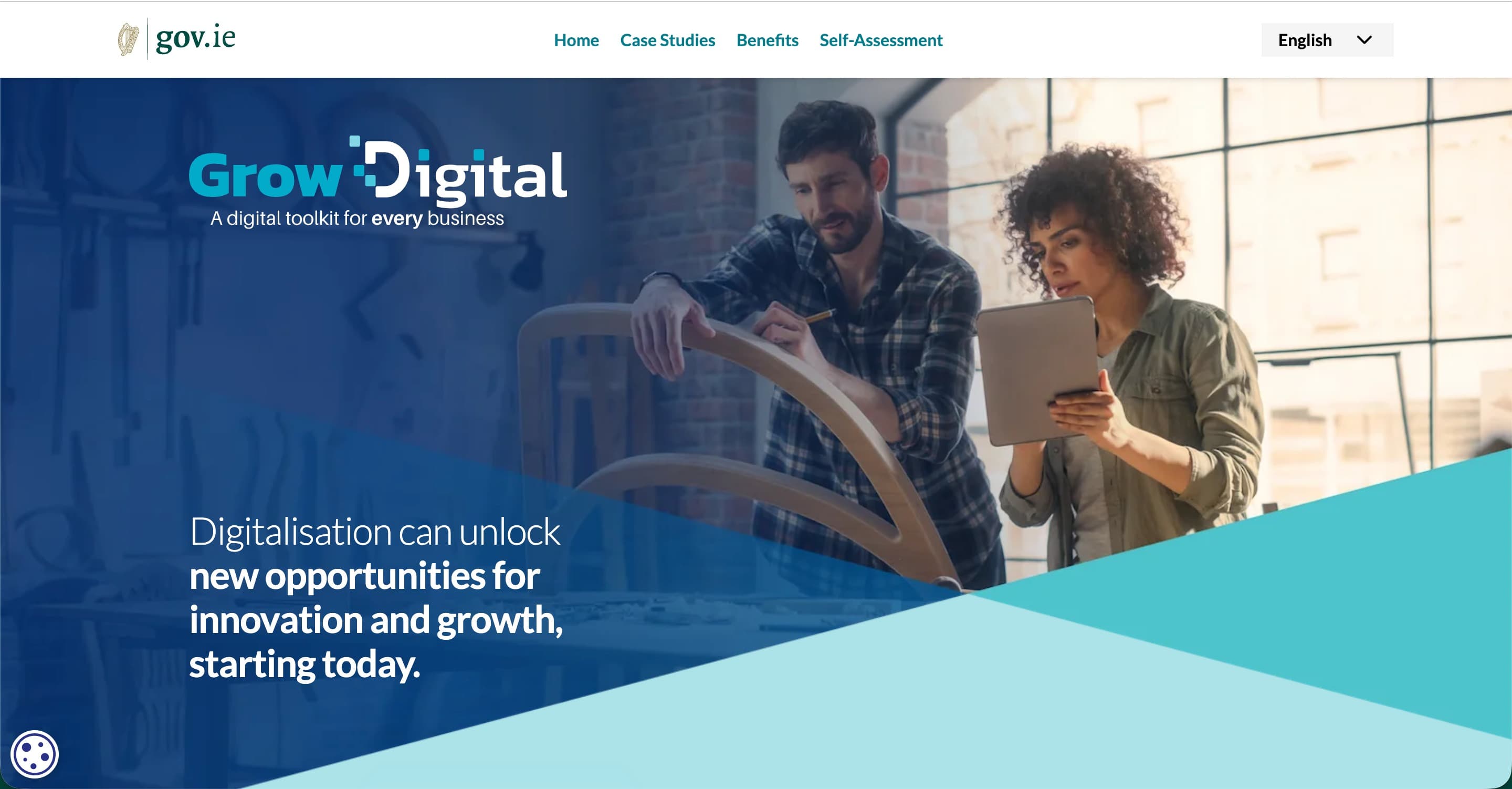
Wondering if you can get funding towards new digital tools? Here’s what the Grow Digital Voucher covers, who can apply and what to do first.
Let’s talk about the F word. Funding.
If you’re a small business in Ireland and you’ve been putting off a new booking system, an online shop or a proper tidy-up of how you handle enquiries, the Grow Digital Voucher might take some of the sting out of the cost.
It’s also one of those schemes that’s very easy to get wrong if you skim the small print (and I’d hate for you to spend money and miss out). So here’s the plain-English version: what it is, who can apply, and the one thing you must do before you spend a cent.
What is the Grow Digital Voucher?
The Grow Digital Voucher is a grant, handled through your Local Enterprise Office (LEO), that helps small businesses invest in digital tools.
- It covers 50% of eligible costs
- The minimum grant is €500 and the maximum is €5,000 per application
- You can be approved for up to two projects, but the total across both can’t go over €5,000
A second project isn’t automatic either. It depends on showing the progress your Digital for Business report set out (more on that in a sec).
Who can apply?
First, you need to be a small business with up to 50 employees. Companies, self-employed individuals and partnerships that trade or carry on a profession can all apply. Beyond that, you’ll need to:
- Have completed a Digital for Business project in the last two years
- Be registered, trading for at least six months, and based in your LEO’s area
- Not be a current Enterprise Ireland or IDA client
- Be solvent (you’ll supply financial statements to show it)
- Have current tax clearance from Revenue, including your Tax Reference Number and Tax Clearance Access Number
A handful of sectors are excluded too, including gambling, tobacco, coal and steel, and primary agriculture and fishing. If you’re not sure where you land, ask your LEO.
Step one isn’t the voucher (it’s Digital for Business)
You can’t just rock up and apply for the voucher. First you complete Digital for Business, a support programme run through your LEO, where an expert digital consultant looks at how your business currently works and where the right tools could help. That report is what your grant application builds on, and it needs to be no more than two years old.
Not sure how digitally ready you are? There’s a free 5-minute assessment on growdigital.gov.ie that gives you a scorecard with recommendations. A nice, no-pressure place to start.
What the voucher pays for
Software subscriptions. This has to be off-the-shelf software that’s new to your business, and it’s funded for a maximum of one year’s subscription. (You pay the annual cost first, then the grant follows.) Examples include:
- E-commerce platforms
- Customer relationship management (CRM) tools
- Online booking, payments and appointments
- Order management and stock control
- Electronic invoicing and e-signatures
- Cyber security software
- Cloud accounting or payroll
- Analytics and AI tools
Website development is on the list too, but with strings attached: it has to be a software subscription that’s new to your business, and bespoke website development isn’t supported.
Training and IT configuration. If you need expert help setting up or connecting a new system, or training for you and your team so you can actually use it, that can be covered too. Training and configuration combined can’t be more than 50% of the overall project cost.
What it won’t cover
- Custom or bespoke software
- Systems for regulatory compliance
- Extra licences for software you already use
So… where does your website fit in?
The voucher funds the tool, not a custom-built anything. Moving to a new off-the-shelf subscription platform (a new online shop or booking system, for example) is what it’s designed for. A fully bespoke build isn’t.
Where do design and setup fit? Expert help getting a new platform up and running, and training so you feel confident managing it, may come under the training and IT configuration part. But whether your particular project qualifies is your LEO’s call, not mine, so run the details past them before you commit to anything.
The golden rule: apply first, spend later
Your application has to be submitted before you spend any money or start any part of the project. That means no ordering, buying, signing up or hiring anyone until your application is in. Jump the gun and your project could be ruled ineligible, because it looks like you’d have gone ahead without the grant anyway. Future you will thank you for waiting.
Your pre-application checklist
- Find your LEO at localenterprise.ie and have a chat with them
- Complete Digital for Business (or check yours is under two years old)
- Dig out your tax clearance details and financial statements
- Shortlist the tools you’re considering, and check they’d be off the shelf and new to your business
- Hold off on buying anything until the application is in
Whether or not funding ends up being part of the plan, it helps to know what you actually need before you start comparing tools. If you’re mulling over a new site, a shop or a bit of a glow-up, get in touch and we’ll work out the right setup for your business.
I’m a web designer, not a funding adviser, so please treat this as a friendly guide rather than official advice. Details can change, so always confirm the latest information with your Local Enterprise Office. Last checked October 2026.
Sources: Local Enterprise Office: What is the Grow Digital Voucher? · Grow Digital self-assessment