Images play a major role in shaping how visitors perceive your website. The right visuals can create a lasting impression, while poor choices may quickly send users packing. But how do you choose the right ones? With so many options—stock photos, custom photography, and AI-generated visuals—it can be tricky to know where to start.
In this guide, I’ll walk you through the essentials of selecting and optimising images that will enhance your website’s design, speed, and user experience.
What Makes a good Website Image?
Not all visuals are created equal. Here are the key factors that make an image truly effective for your site:
✅ Quality & Professionalism
A blurry or pixelated image creates an immediate sense of distrust. Always use high-resolution, well-lit visuals that reflect your brand’s professionalism and attention to detail.
✅ Relevance & Alignment
Your images should connect with your brand and resonate with your audience. Avoid forced visuals—choose images that naturally support your message, products, or services.
✅ Optimised for Speed
Large image files can slow down your website, hurting user experience and SEO. Optimise images for faster loading without compromising quality.
✅ Consistent Style
Ensure that all your images (photos, illustrations, or AI-generated visuals) align with your brand’s overall aesthetic. A consistent look helps maintain a cohesive website design.
Best Image Formats for Websites
Different image formats work better for the web than others. Here are the essentials:
- JPG (JPEG) – Best for photos, balancing good quality with smaller file sizes.
- PNG – Ideal for transparent images like logos or icons.
- WebP – A modern format that provides high quality with smaller file sizes—great for improving page speed.
- SVG – Perfect for logos and icons that need to remain scalable without losing quality.
Not sure which format is best for your site? I can help you select the most suitable one for your needs!
Landscape vs. Portrait Orientation: Which Works Best?
When selecting images for your site, orientation matters. A healthy mix of both is important.
- Landscape Images: Typically the go-to for websites, especially for banners, hero images, and full-width sections. Their wide format fits beautifully across screens and adapts well to different devices.
- Portrait Images: These can work, but they’re trickier to crop. If you use portrait images, ensure they fit neatly within your layout without disrupting the design especially on mobile.
Sourcing Images for Your Website
Where should you look for images? Whether you choose stock photos, hire a photographer, or use AI-generated visuals, here’s a quick breakdown:
1. Bespoke Photography (Best for Branding)
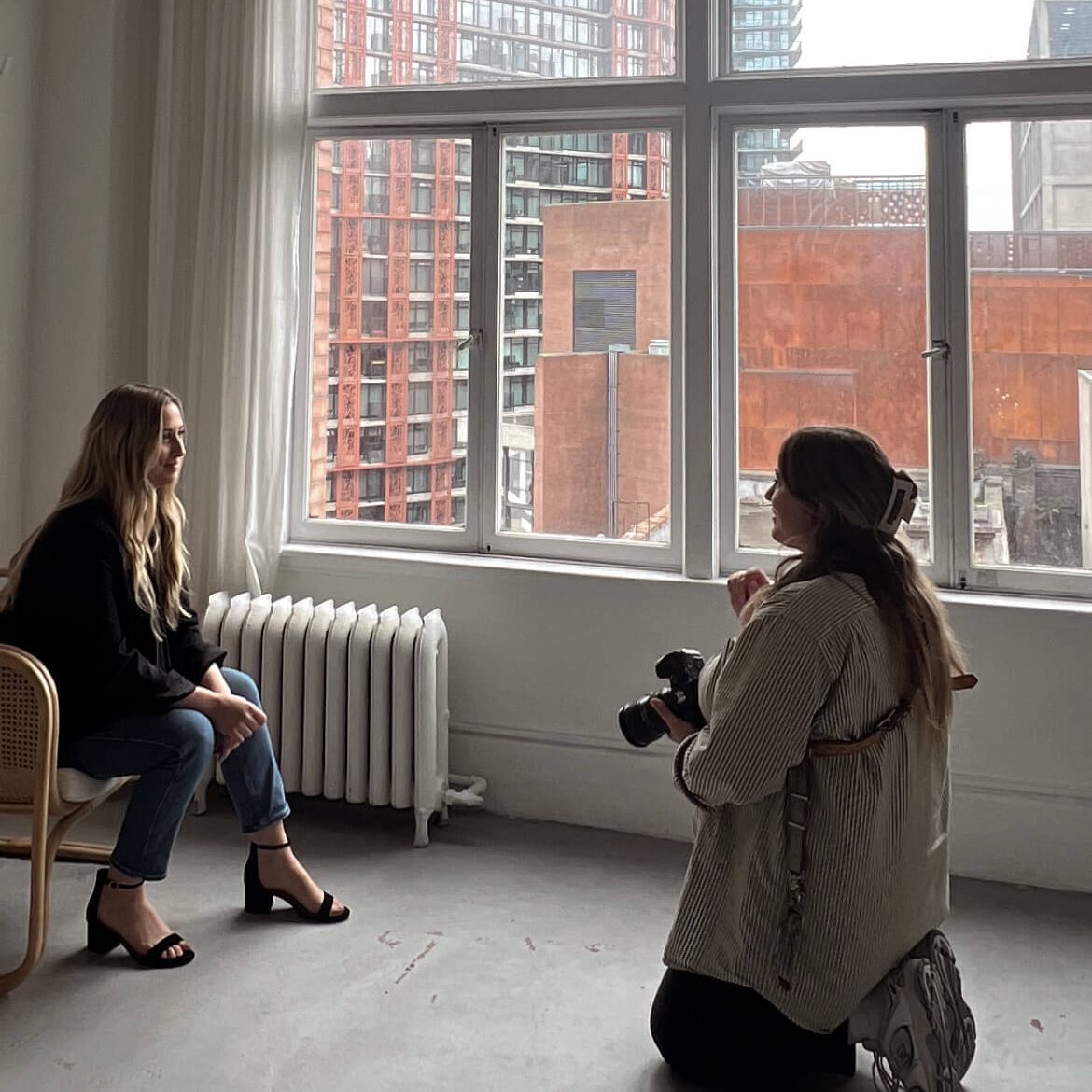
Hiring a professional photographer adds authenticity and quality to your website. Custom images make your brand stand out, whether it’s team portraits, office photos, or product images.
Pro Tip: Investing in bespoke photography strengthens the connection with your audience.
2. Stock Images (Affordable & Quick)
Stock images are a great option when you need visuals fast, but be careful. Overused, generic stock photos can disconnect from your brand. Always choose images that feel natural and align with your messaging.
- Free Stock Resources:
- Paid Stock Resources:
- Shutterstock
- Getty Images
- Adobe Stock
3. AI-Generated Images (Innovative & Unique)
AI-generated images from tools like DALL·E or Midjourney offer a unique way to create visuals tailored to your needs. These tools allow you to experiment with different styles and compositions for custom visuals.
Pro Tip: AI images may need fine-tuning to get just right—need help? I can guide you through the process!
Don’t Grab Images from Google, Pinterest, or Similar Platforms!
While it may seem convenient to grab an image from Google or Pinterest, you cannot legally use images from these sources without permission. These images are typically copyrighted, and using them without the proper licensing could lead to legal trouble. Always ensure that you have the right to use an image, especially for commercial purposes.
If you need free images, stick to stock image websites like Unsplash or Pexels, or ensure that the images you use have a licence that allows for commercial use. If you’re sourcing images from other websites, never take screenshots of their photos, as this is a violation of copyright. You’ll need to either purchase a licence or use free images that are clearly marked for commercial use.
Optimising Images for Speed & Performance
To ensure your website’s images load quickly, it’s essential to optimise them. Here’s how:
- Resize Images: Resize images to fit the space they’ll occupy – don’t upload a 5000px-wide image if it’s only going to appear as a small product photo. Large files can drastically slow down your website’s load time, impacting both SEO and user experience.
- Compress Files: When optimising images for your website, size is crucial. Ideally, each image should be under 500 KB for fast loading times, though this can vary depending on the type of image. Use tools like TinyPNG or ImageOptim to reduce file sizes without sacrificing quality.
- Lazy Loading: This technique ensures images load only when they’re visible on screen, improving your website’s page speed.
Not sure how to optimise your images? I’m happy to help ensure your site runs smoothly and efficiently.
Organising & Sharing Images with Your Designer
Good image organisation makes your work easier when collaborating with a designer. Here’s how:
- Use Clear Filenames: Instead of vague names like IMG1234.jpg, use descriptive filenames like “team-photo-john.jpg.” This is also helpful for SEO purposes.
- Organise by Section: Keep images in separate folders (e.g., “Homepage,” “About Us,” “Products”).
- How to send images: Tools like WeTransfer, Google Drive, or Dropbox are perfect for sharing files with your designer.
Conclusion: Choosing the Right Images for Your Website
Choosing the right images for your website is one of the most important steps in creating a visually engaging site. Whether you use custom photography, stock images, or AI-generated visuals, your images should reflect your brand, resonate with your audience, and load quickly.
If you need help sourcing, selecting, or optimising images that elevate your site’s look and feel, don’t hesitate to reach out. I’d love to work with you to create a website that makes a lasting visual impact.